(Pro) Comparing Custom Dates And Ranges
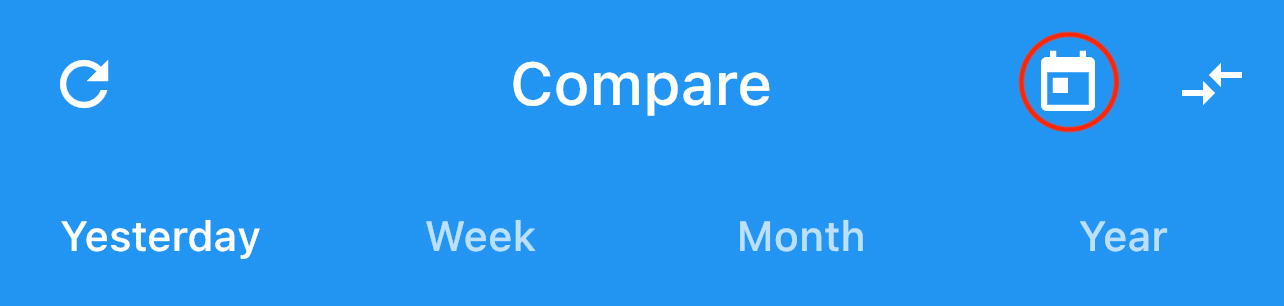
As a Pro subscriber, you gain access to view your yearly comparison, but also gain access to view specific days to compare, from a single date to a range.
Simply select the calendar icon presented in the upper right of the Compare screen to open up a calendar.
Here you can select either a single day, or a range of days. The picker works based on 2 separate selections, one for the start date and one for the end date. To select a single day, simply select the same date twice.
 |
 |
Once done, select 'Apply' which will open up a familiar comparison page with the ability to view both the raw data and overview boxes.