Configuring Octopus Compare
Octopus Compare has many configurable options to make your experience better and as the application grows more will be added. Below are some options which you can customise currently within the application. These settings can be found within Settings --> Customisation.
Calculation Resolution
You can change how many decimal places are shown on all figures within the application to show either 2 or 3 decimal places. Sometimes having too many decimal places can become confusing and therefore this option is set to 2 decimal places by default.
Include Standing Charge
By default we don't include standing charge when calculating averages in your comparisons. You may wish to toggle this to include the standing charge for the products if you have low consumption figures as this can help with deciding which tariff is on average cheaper for you.
Having this toggled on will likely increase the average above the expected - for example on a tariff which doesn't have rates higher than 15p may have an average higher than 15p if you include the standing charge.
Table figures always include the standing charge
Customise Month View
Not all bills start on the same date. By default Octopus Compare will show the last month worth of data if Customise Month View is not toggled on.
Toggling on this value will allow you to set when you would like your month tab to start from allowing you to see a more accurate billing month.
Default View
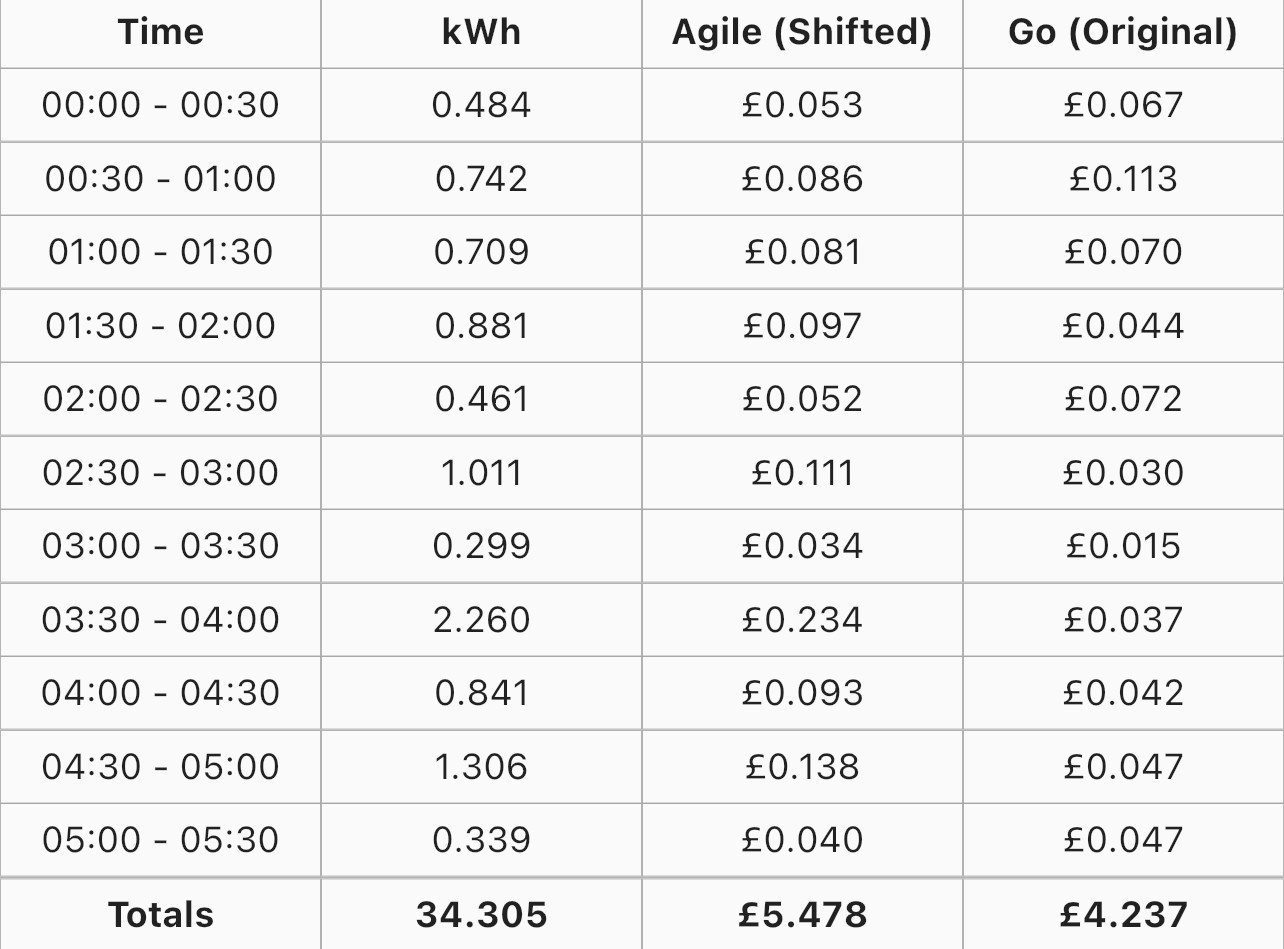
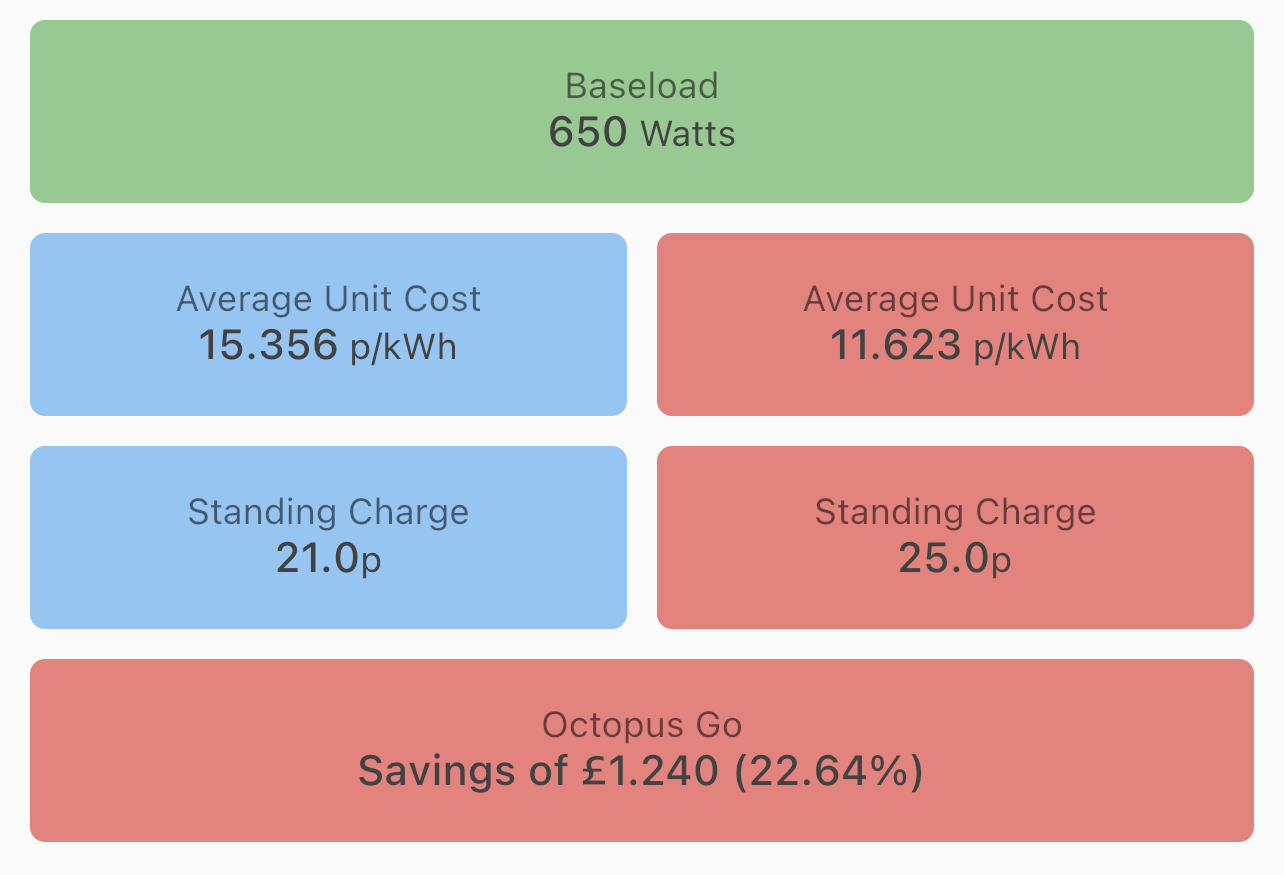
We have enabled the ability to set the default view which is shown underneath the graph so that you can view the information you find more useful first.
| Data View | Overview |
 |
 |