Home Screen Widgets
Octopus Compare comes bundled with some Home Screen widgets to allow easy access to changing data such as Agile rates and the cheapest periods. There are widgets available for both iOS and Android.
iOS
All iOS widgets require iOS 14+ and include the Agile rates and Cheapest Periods. An example of both can be seen below.
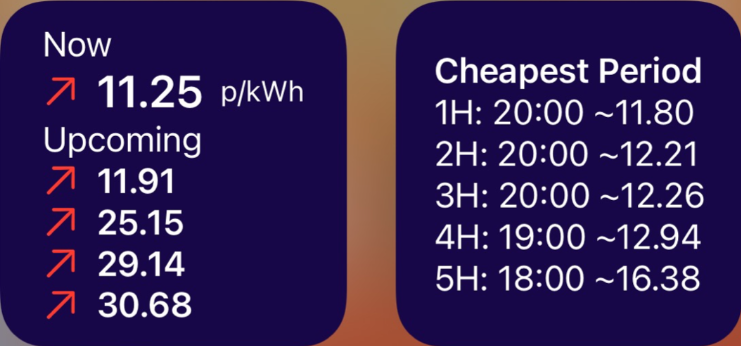
The Agile Rate widget (left) displays the current rate, along with up to the next 2 hours of available rates. Different icons can appear next to the price including:
- Red up arrow if the price is increased since the previous half hour
- Green down arrow if the price as decreased since the previous half hour
- Yellow dots if the price is the same as the previous half hour
You can customise this widget by long pressing and selecting Edit Widget which provides you with an option to toggle the time relating to the price if you wish.
The Cheapest Period widget displays the same information as within the Agile Rates tab up to the cheapest 5 hour hour period. This is not customisable at this time.
Android
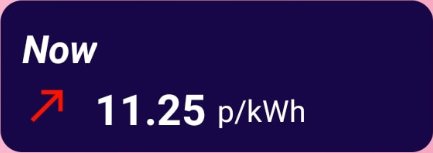
Currently, as of version 1.3, Android only contains a singular Home Screen widget which displays the current and upcoming Agile Rates and can be resized to only show the current rate. Plans to bring the cheapest period widget are in the works and this article will be updated when available. The current widget and variety can be seen below:

Sometimes widgets can become out of sync or fail to update with new data. If you encounter a 'No Data' message or begin losing the ability to view upcoming rates or cheapest periods, it usually can be solved by returning to the Agile Rates page within Octopus Compare and refreshing.