Downloading Products
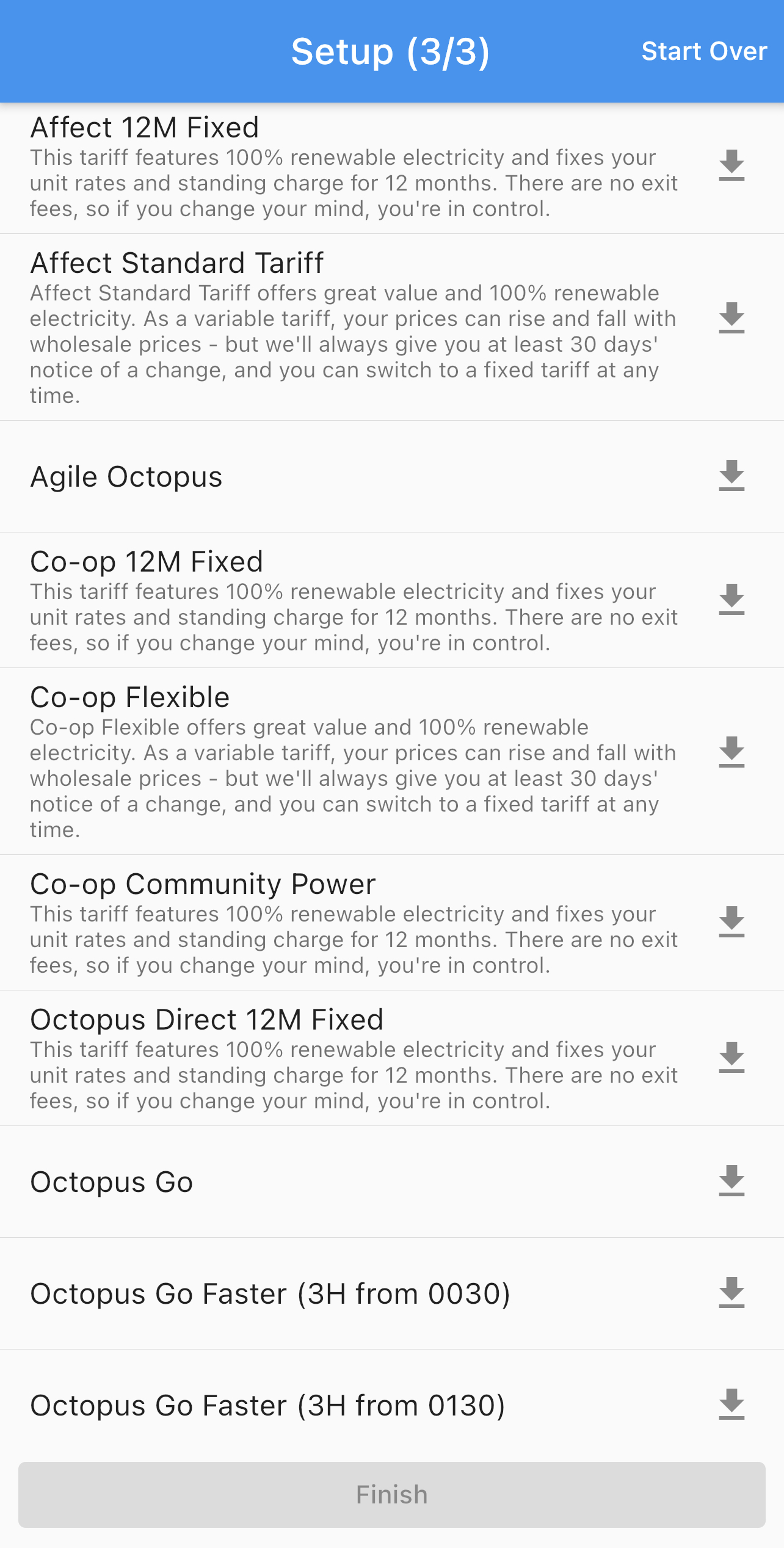
Now that all your consumption data has been retrieved, you can begin downloading products which can be used to compare against each other. Typically the most popular 2 tariffs are Agile Octopus and Octopus Go, but you can select any products that you would like. To complete this stage, you must select at least 2 products. You can always add or remove more products later within settings.
Once downloaded, you will see a visual confirmation in the form of a green checkmark next to the downloaded product. In the case that you receive an error, please get in contact with us at the using our contact form.
Downloading products can sometimes take a while and some products may take more storage space than others.
 |
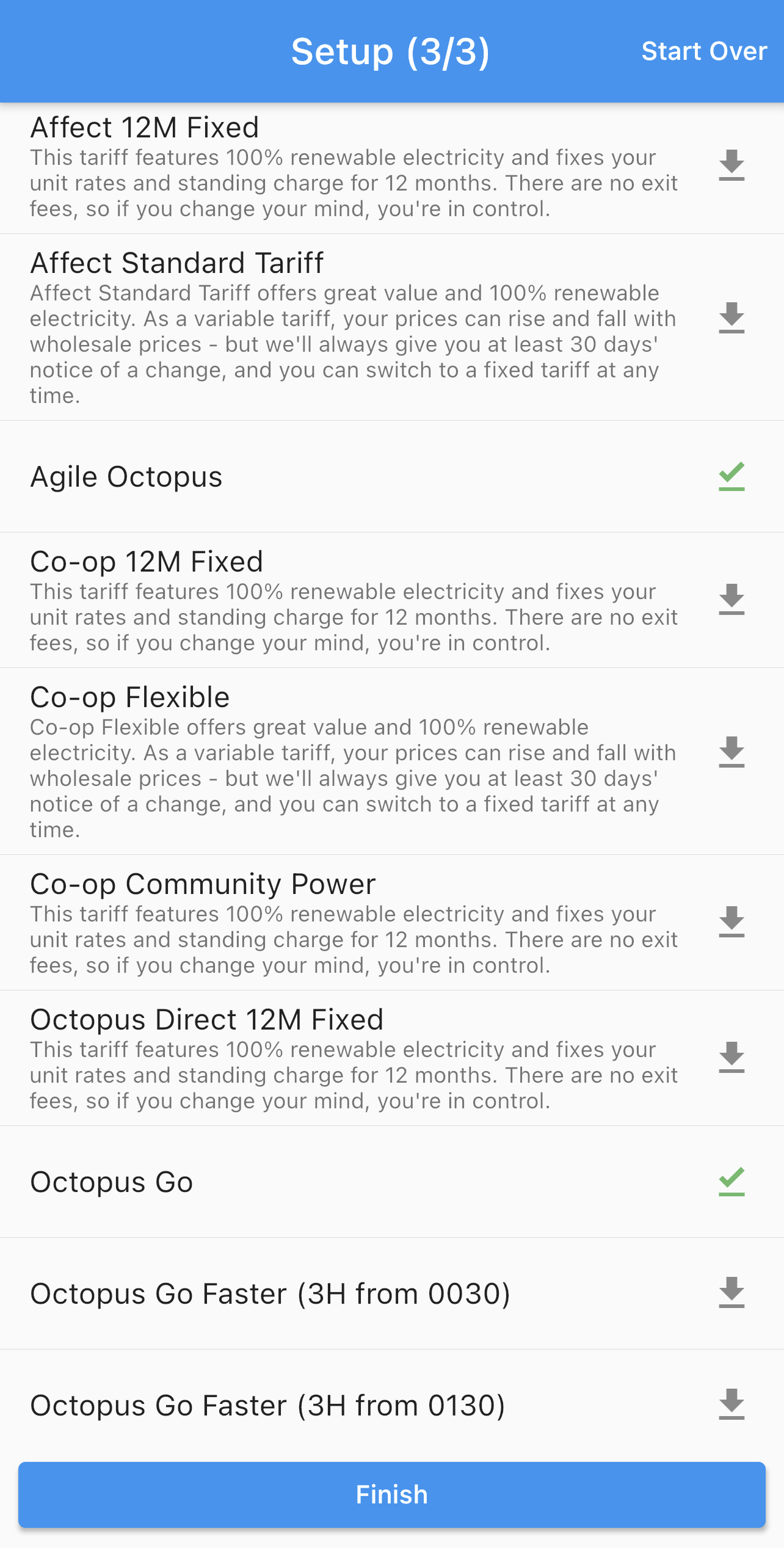 |
Once you've pressed finish, you have completed the setup and can now start using Octopus Compare.