Changing Comparison Products
Octopus Compare allows you to download as many products as you would like. Each of these products will be automatically kept up-to-date each time you refresh or open the app.
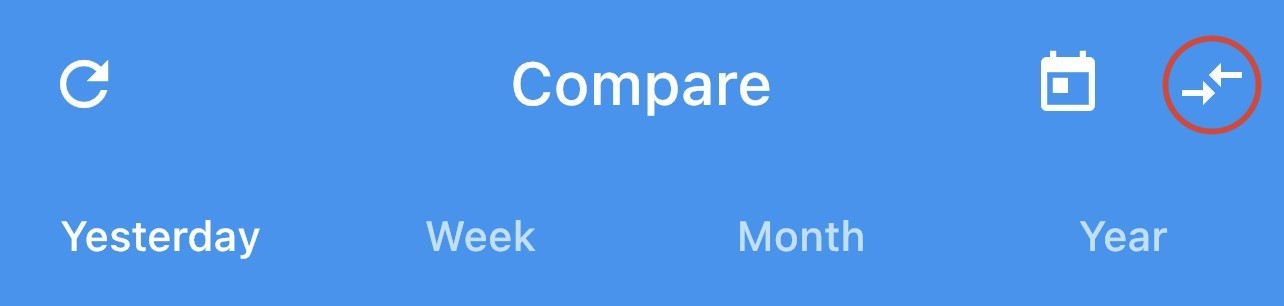
Your previously selected products will be selected by default and this can be changed at any time using the 'Compare Arrows' in the top right corner of the Compare tab.
This will open a dialog which will allow you to select the products you want to compare.
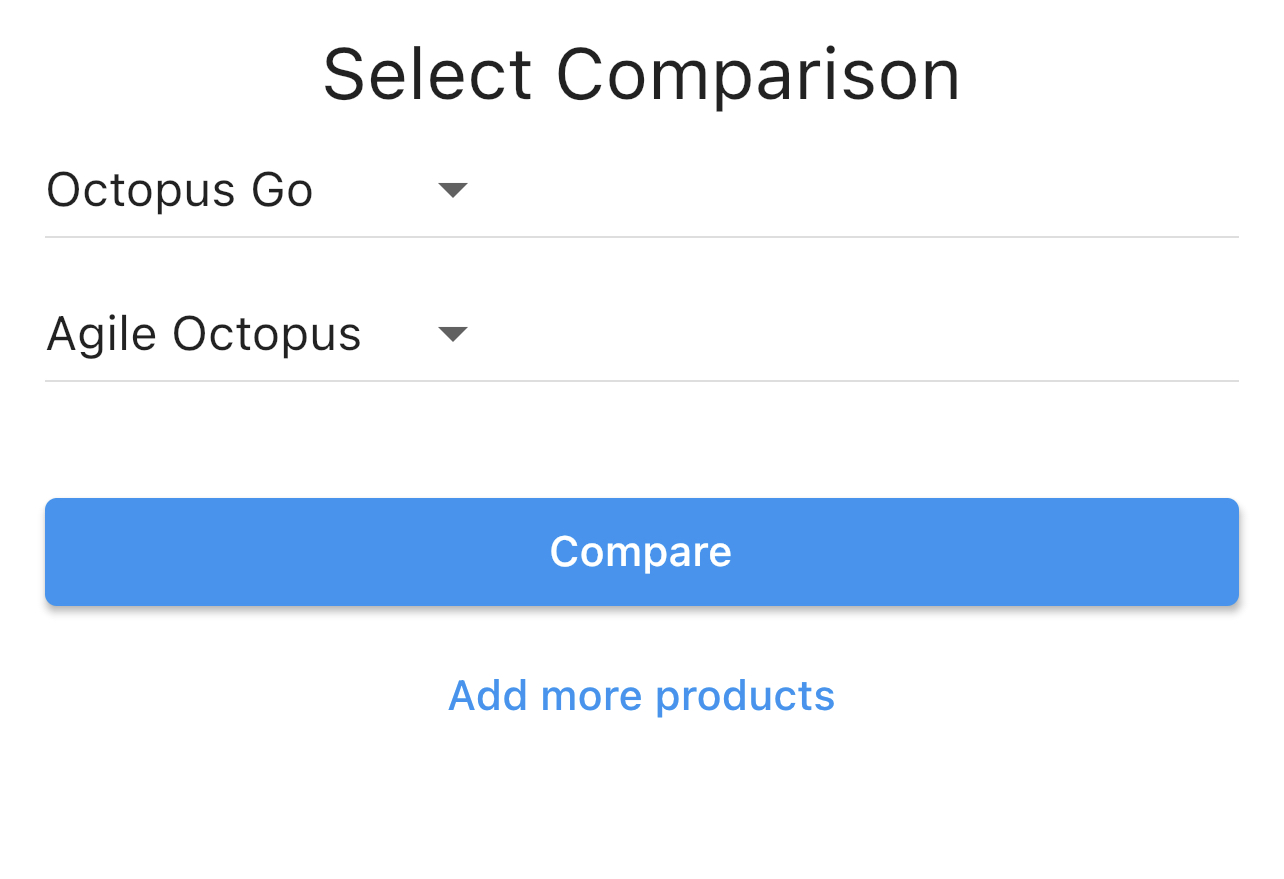
Once you have finished selecting your products, simply press 'Compare' which will close the dialog and begin displaying your new comparison.