Agile Rates
Rates And Cheapest Periods
With Octopus Agile having a different price every 30 minutes, it's important to keep up with the current and upcoming rates.
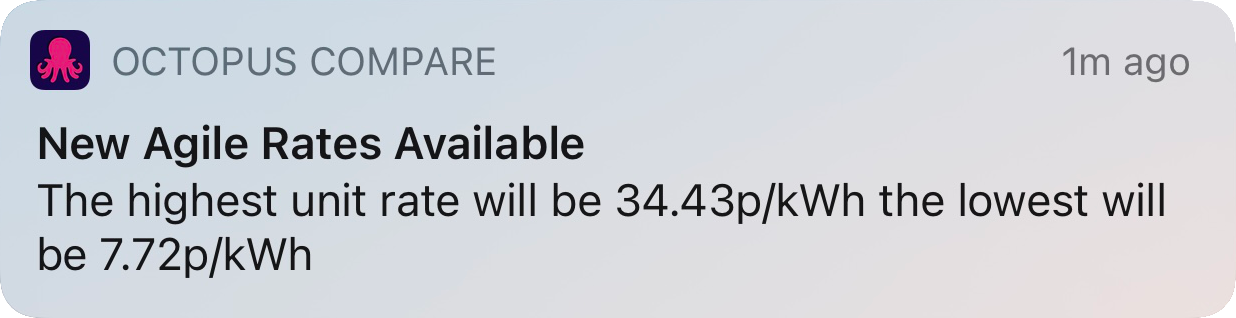
Octopus Energy typically publish the Agile rates at 4pm each day and we poll the figures to provide them to your Octopus Compare app as soon as they're available. Sometimes there can be a delay in Agile rates without warning but usually you can expect them to be available by 4:30pm each day. You can also opt into receiving notifications which will outline the cheapest and most expensive price throughout the next 24 hours and is sent as soon as the rates are available.
Upcoming Rates Table
Octopus Compare allows for you to view any past and future rates by scrolling through the provided table. Each row will contain both the time the rate is valid between, a colour indicator and the price. Below outlines the the thresholds for each colour displayed in the table.
| 0 p/kWh and below | Blue |
| 1 p/kWh to 10 p/kWh | Green |
| 10 p/kWh to 25 p/kWh | Orange |
| 25 p/kWh and above | Red |
Each colour is divided into a lighter and darker variant dependants on the price between the range.
Rate Alarms (Pro)
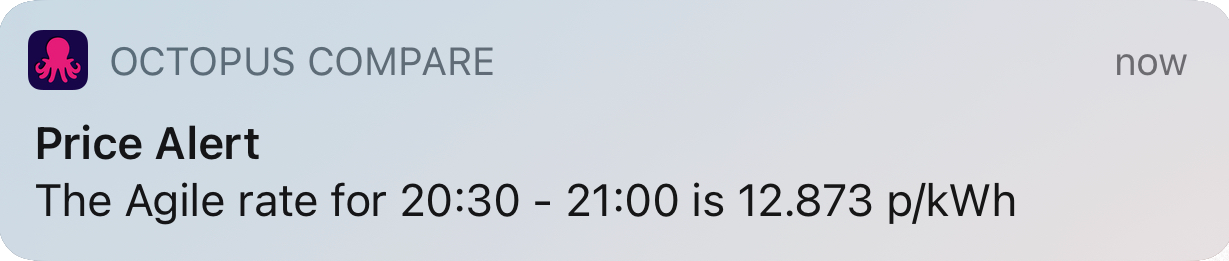
As a Pro subscriber you can set an alarm for a specific rate by clicking on the bell icon next to the rate. You can set if the alarm is preemptive to alert you up to 30 minutes before the selected tariff time within Settings --> Notifications. You will receive a notification outlining the price for the period selected.
Price Drops (Pro)
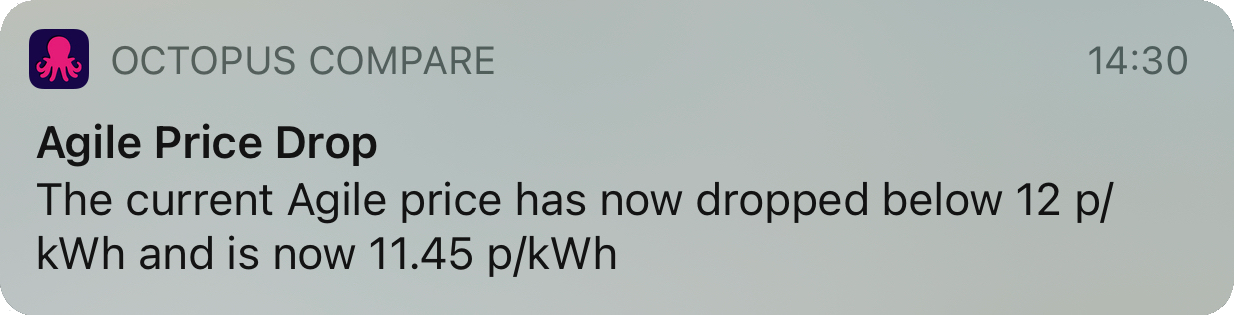
As a Pro subscriber you can set an automatic alert for when a rate drops below a set price. You are only required to set this up once and we'll handle the rest for you. To set this up, head to Settings --> Notifications and find the dropdown labelled Agile Price Trigger.
 You can set this value to any figure you would like and each time the current rate drops below your threshold, you will receive an alert. This does not guarantee that the rate will remain consistently under your trigger, but often rates will remain around your threshold for multiple half hour periods.
Cheapest Periods
Octopus Compare makes it easy to get an overview of when the next cheapest period is approaching dependant on how long you may require up to 6 hours. By swiping left on the Agile Rates table you will be presented with a 2x3 grid which outlines the current cheapest periods throughout the day.
We automatically discover which consecutive half hours have the cheapest overall average unit rates and present them as overview boxes. Therefore if you require 6 hours to charge your EV you can view the 6 hour cheapest rate box and find that you will average the displayed pence per Kilowatt Hour.
The cheapest period will always show the next cheapest and therefore may display more expensive averages throughout the day as there are less available rates.

Home Screen Widgets
Octopus Compare comes bundled with some Home Screen widgets to allow easy access to changing data such as Agile rates and the cheapest periods. There are widgets available for both iOS and Android.
iOS
All iOS widgets require iOS 14+ and include the Agile rates and Cheapest Periods. An example of both can be seen below.
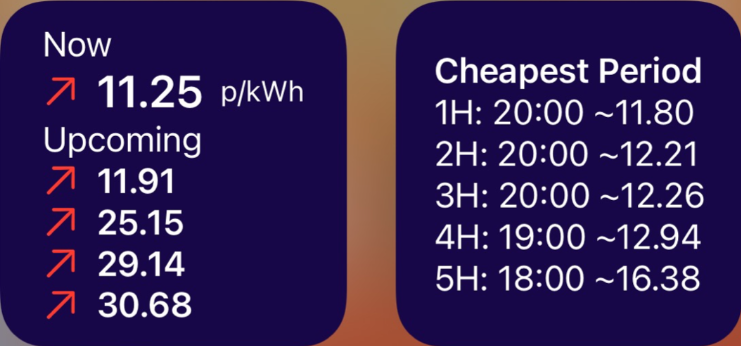
The Agile Rate widget (left) displays the current rate, along with up to the next 2 hours of available rates. Different icons can appear next to the price including:
- Red up arrow if the price is increased since the previous half hour
- Green down arrow if the price as decreased since the previous half hour
- Yellow dots if the price is the same as the previous half hour
You can customise this widget by long pressing and selecting Edit Widget which provides you with an option to toggle the time relating to the price if you wish.
The Cheapest Period widget displays the same information as within the Agile Rates tab up to the cheapest 5 hour hour period. This is not customisable at this time.
Android
Currently, as of version 1.3, Android only contains a singular Home Screen widget which displays the current and upcoming Agile Rates and can be resized to only show the current rate. Plans to bring the cheapest period widget are in the works and this article will be updated when available. The current widget and variety can be seen below:

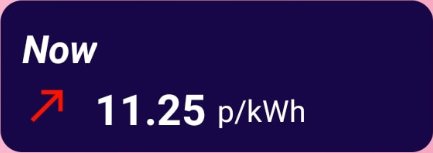
Sometimes widgets can become out of sync or fail to update with new data. If you encounter a 'No Data' message or begin losing the ability to view upcoming rates or cheapest periods, it usually can be solved by returning to the Agile Rates page within Octopus Compare and refreshing.
(Pro) Viewing Past Rates
Viewing past Agile rates works similar to creating custom ranges within the Compare tab.
As a Pro subscriber you can view up to a year worth of data for your region, which is especially useful if you're new to the tariff and would like an idea the average trend of the Agile prices at different times of the year.
To access the date picker, simply click the Calendar icon in the top right corner.

Select a date you would like to view and click Select
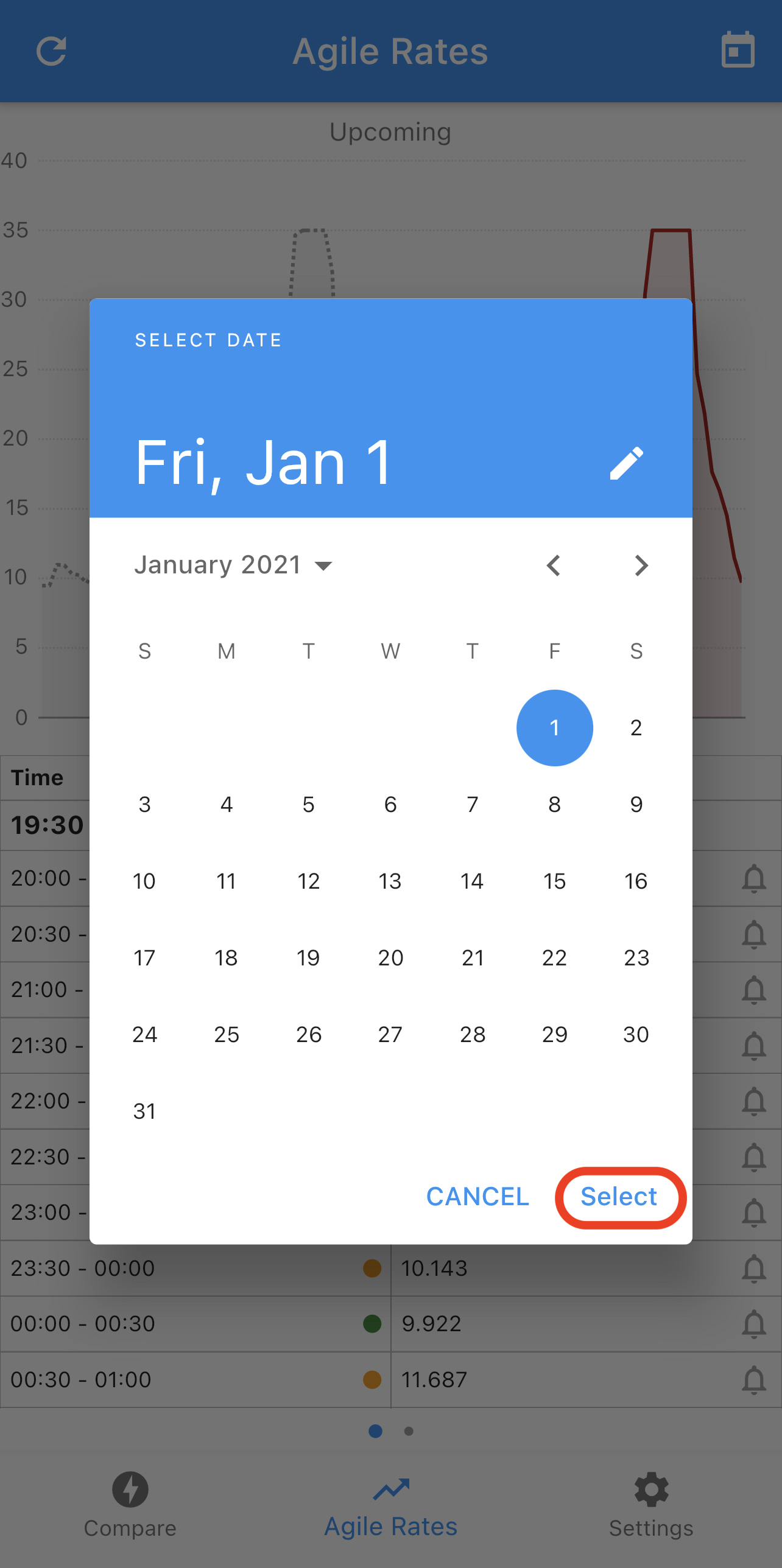
You will be presented with a sheet which has the graph for the date along with the data table similar to the current upcoming rates.